Email
To: Your whole list
On 14 February, dinner for two
Hello Emma, on 14 February, The Larder is serving a candlelit menu for two. Have a look and book your table as usual: ooq.la/the-larder
Prepared by the AI
The neighbourhood discovers your table, and your regulars come back. You approve between services.
No commitment · Every campaign waits for your OK
 The LarderApprove
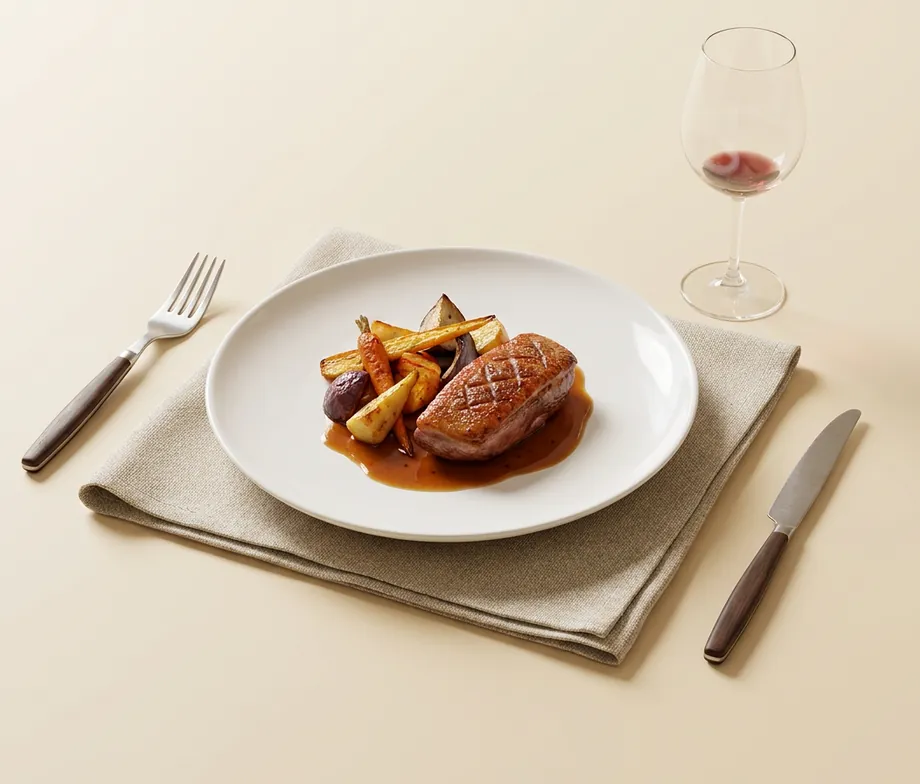
Ooklo helps restaurants bring people in, quiet days included. People in the neighbourhood discover your table, your regulars hear about your dish of the day or your theme night, and your menu can be flipped through online with a QR code. The AI prepares emails, texts and Facebook and Instagram posts, and you approve every send. Table bookings stay with you.
For each one, the AI prepares the message, and you read it and approve it from your phone.
Plenty of neighbours walk past the dining room without ever sitting down.
An evening takes weeks to prepare, and the chalkboard only shows it to passers-by.
A board on the pavement only reaches passers-by.
After the rush, nobody feels like writing a caption.
The menu changes with the seasons, and the paper one stays on the tables.
A message without your style looks like anyone's ad.
With three restaurants, the same message used to be written three times.
Ooklo fills your calendar with the key dates of a restaurant's year. For each one, the AI prepares the email, the text message and the post. You choose which ones go out.
Suggested theme: the menu for two
With local targeting: a text or an email to people around the restaurant who have agreed to receive offers, within a radius of 1 to 100 km, chosen by age, interests, income or housing. The number of people is shown before sending. The message can announce a theme night or your seasonal menu.
No. Keep your phone or your booking tool. Ooklo brings people in: your messages invite them to book as usual.
Drop in your menu as a PDF or an image: Ooklo hosts it, people flip through it on a phone or computer, and you get a link and a QR code. The QR code goes on the tables or in the window, the link goes in your texts and your Instagram bio. Ooklo doesn’t make the menu: you keep your own.
Between two services, or in the evening. The message goes out right away, or on the date and at the time you choose. The AI suggests a sending time, and a scheduled send can be paused and resumed. Nothing goes out without your approval.
A Facebook page and an Instagram account connected to Ooklo. Every Instagram post goes out with an image: you choose from your photos.
They are an option on every plan, billed per message. The amount is shown before sending. Text messages go out Monday to Saturday, from 8 am to 9:30 pm, never on Sundays or public holidays.
Yes. Ooklo spots your logo, colours, fonts and style on your website, and your messages use them. Posts only use your real photos. You read every message and change whatever you like before approving it.
Add your restaurants to the same account. In each campaign, you choose the restaurants involved, then approve once. The Multi plan covers 2 to 10 restaurants and is billed per restaurant.
All it needs is your approval. Import your customer list: the AI prepares your emails, text messages and posts, and you approve them.
From £9 a month excl. VAT · See pricingor £13.90 a month excl. VAT, no commitment
Launch offer: 3 months of Solo on us with code OOKLOLAUNCH2026